
Annoy Tools CNC and Laser Engraving Machines Catalog

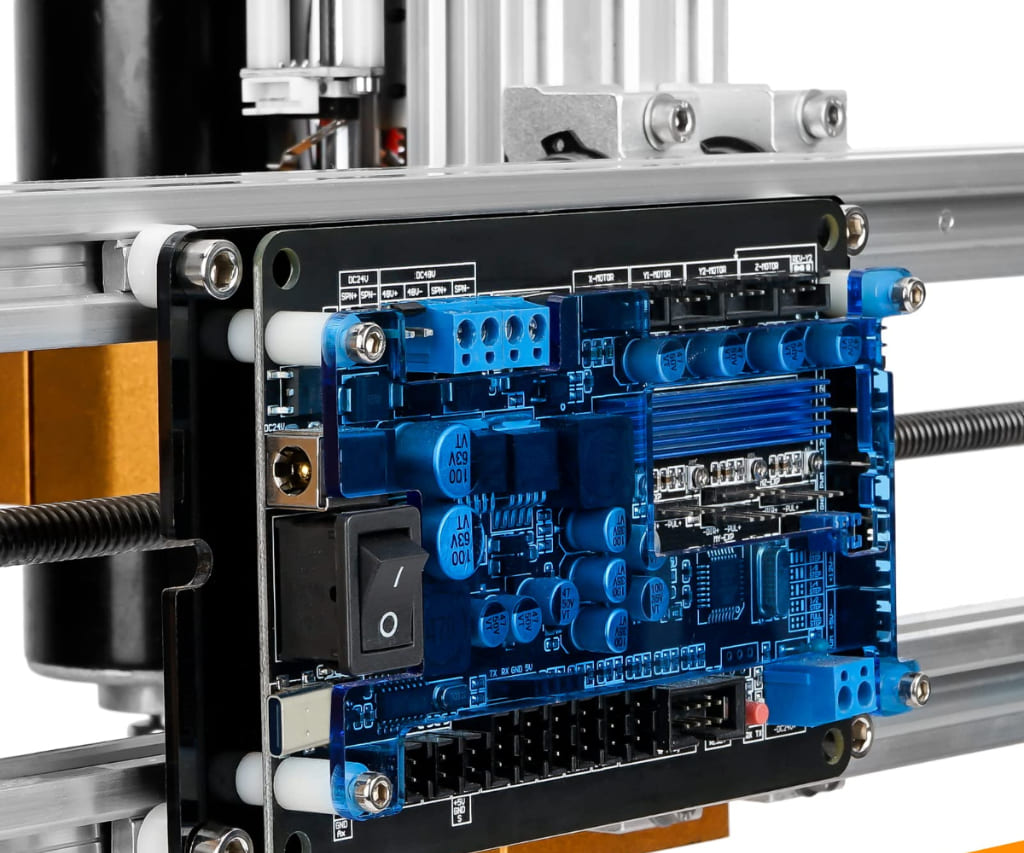
Precision meets affordability with Annoy Tools, your go-to source for accessible CNC routers and high-performance DIY components. Hobbyists and makers can transform raw materials into intricate designs using the flagship 3018 series, engineered specifically for entry-level engraving and milling. This brand bridges the gap between cost and capability by offering robust features like 500W spindles and GRBL-compatible control boards. Whether you are carving wood, etching PCBs, or upgrading to laser engraving, these versatile machines provide the perfect platform for creative exploration. Annoy Tools empowers the maker community with reliable hardware available globally through major marketplaces like AliExpress and Walmart.

Top Annoy Tools CNC and Laser Engraving Machines

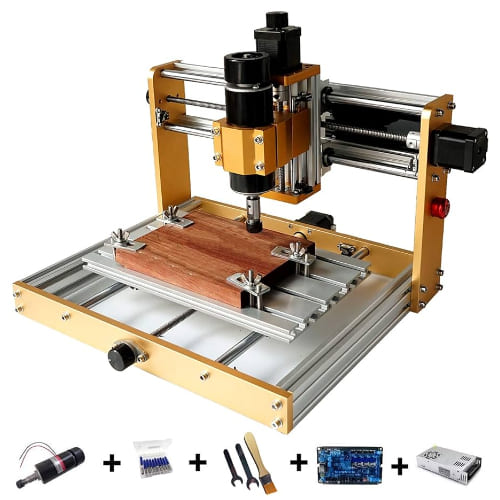
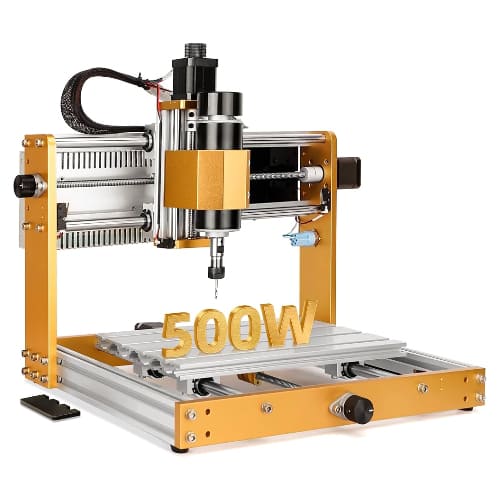
Annoy Tools 3018 Plus

This flagship all-metal model features a powerful 500W spindle and a 300x180x78mm work area, making it a robust choice for milling everything from wood to soft aluminum.

Annoy Tools 3018 Pro Max

Engineered for stability, this upgraded version offers high-speed processing up to 2000mm/min and includes safety features like limit switches and an emergency stop for a secure DIY experience.

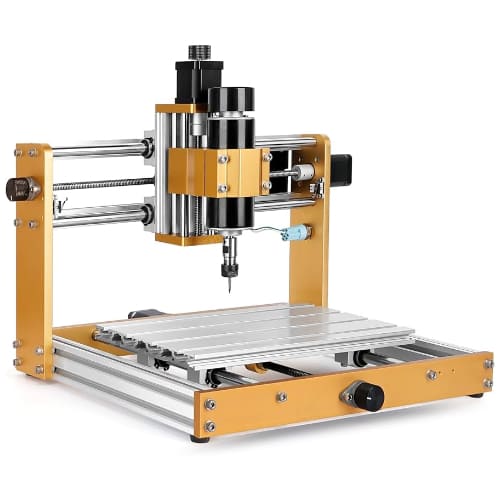
Annoy Tools 3018 Pro

The ideal entry-level solution for hobbyists, this compact CNC router provides a reliable introduction to GRBL-controlled engraving and milling on acrylic, PCB, and wood.

Unleash your creative potential with high-performance desktop machinery designed to turn your digital blueprints into tangible masterpieces.
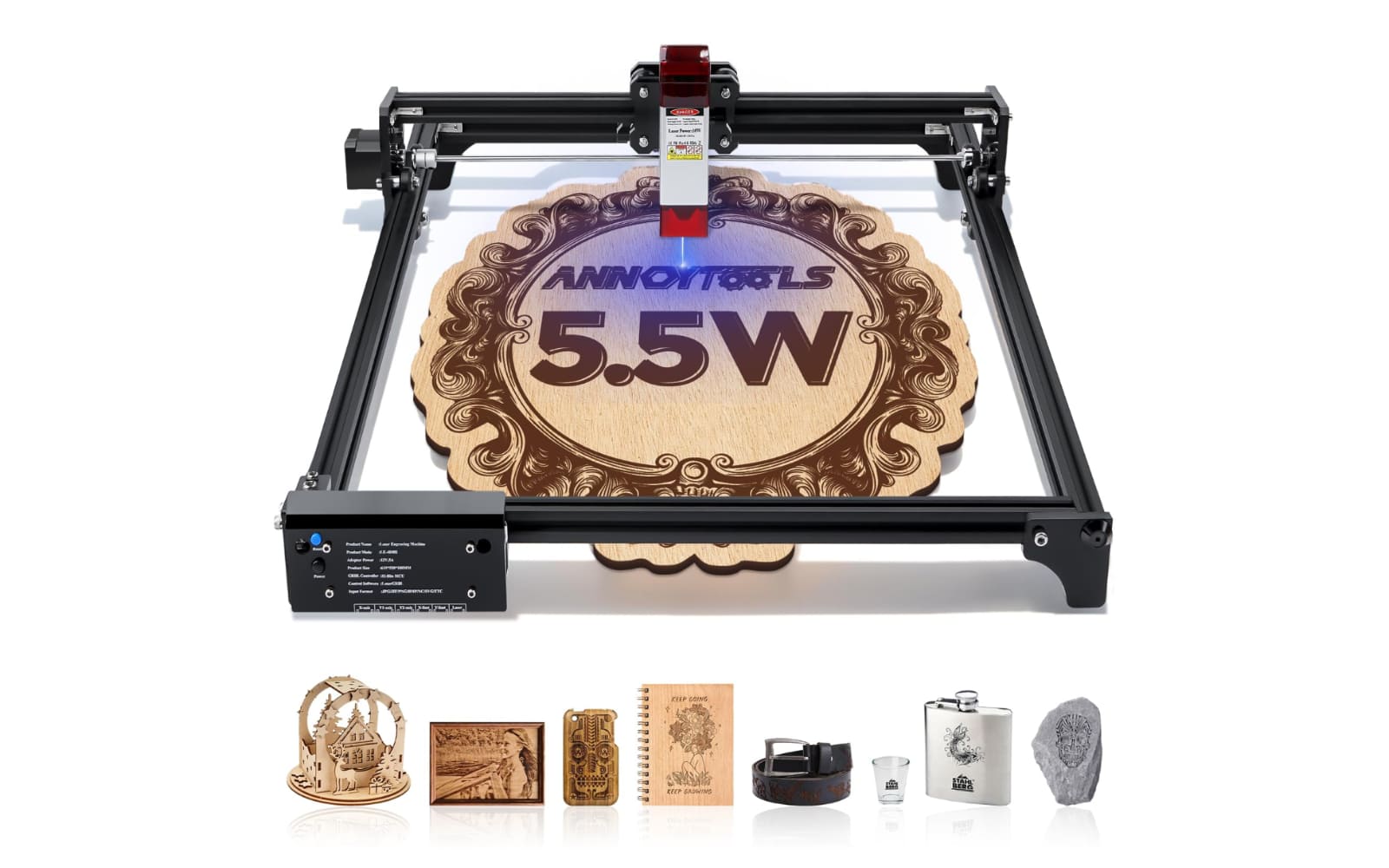
Advanced Desktop CNC Routers

Experience industrial-grade precision in a compact footprint with machines engineered for the modern maker. The 3018 series, particularly the 3018 Plus, provides a robust platform for milling and engraving wood, acrylic, and soft metals using powerful 500W spindles and reliable GRBL control systems.

Versatile Laser Engraving Modules

Expand your workshop’s capabilities with high-intensity laser upgrades that offer incredible detail for delicate projects. These optional 12V laser modules integrate seamlessly with existing CNC frames, allowing users to switch from traditional milling to high-precision laser cutting on materials like plywood and plastic.


User Experiences and Community Feedback

Marcus Thorne

After using the Annoy Tools 3018 Plus for six months, I am genuinely impressed by the rigidity of the all-metal frame compared to other entry-level machines. The 500W spindle upgrade is a game-changer for my PCB milling projects, as it maintains a steady 12,000 RPM without the vibration issues I encountered on cheaper 775 motor models. Setting up the GRBL 1.1f board was straightforward, and I’ve successfully pushed the machine to its 2000mm/min processing limit on hardwood with surprisingly clean results.

Elena Rodriguez

Integrating the optional laser module into my 3018 Pro Max has completely transformed my small craft business. I primarily work with 3mm acrylic and birch plywood, and the accuracy of the Z-probe makes focusing the laser significantly easier than manual adjustment. While the machine took a few hours to assemble from the kit, the wiring was clearly labeled, and it has been running flawlessly for daily engraving tasks for over a quarter now.

Julian Vance

As a hobbyist transitioning from 3D printing to CNC, the Annoy Tools ecosystem offered a manageable learning curve with enough power to handle soft aluminum. I particularly appreciate the inclusion of limit switches and an E-stop button on the Plus model, which saved my project more than once during the initial calibration phase. The machine handles Candle and LaserGRBL software perfectly, though I recommend upgrading to a higher-quality collet if you plan on doing high-detail jewelry engraving.

Annoy Tools FAQ

What software is recommended for Annoy Tools CNC routers?

Annoy Tools machines utilize the GRBL 1.1f control board, making them compatible with a wide range of industry-standard software. Most users prefer Candle or Universal Gcode Sender (UGS) for machine control, while Easel is a popular web-based option for beginners due to its intuitive design interface. For those using the laser module, LaserGRBL and LightBurn are the top choices for engraving tasks.

Is the 3018 Plus capable of engraving aluminum?

Yes, the 3018 Plus is specifically designed for soft metals thanks to its sturdy all-metal frame and powerful 500W spindle. However, it is important to use appropriate bits, such as single-flute carbide end mills, and to operate at slower feed rates with shallow passes (typically 0.1mm to 0.2mm depth of cut) to ensure precision and avoid overheating the motor.

Can I upgrade my Annoy Tools CNC with a laser module later?

Absolutely; the control boards in the 3018 series feature a dedicated 12V laser port (usually 3-pin) to support plug-and-play laser modules. Most standard 40mm wide laser heads are compatible, allowing you to switch between traditional spindle milling and high-detail laser engraving without needing a second machine.

How long does the assembly process typically take?

The Annoy Tools 3018 series kits are designed for straightforward DIY assembly, with the 3018 Plus and Pro Max models often taking between 45 to 90 minutes to build. The kits include all necessary tools and a detailed instruction manual, though many users find it helpful to follow community video guides to ensure the belts and lead screws are properly tensioned.

What should I do if my machine loses connection during a job?

Connection drops are often caused by electromagnetic interference (EMI) from the spindle or poor-quality USB cables. To resolve this, ensure you are using a shielded USB cable with a ferrite bead and try plugging the machine directly into your computer rather than through a USB hub. Additionally, keeping the spindle power wires physically separated from the stepper motor and limit switch cables can significantly reduce interference.

CNC Router or Laser? Here’s What 13 Machines Taught Me